From Phone Photo to Spreadsheet Row
Snap a photo of any document—receipts, invoices, forms—and get structured data in a spreadsheet. Handles tilted photos and mixed languages automatically.
You have a stack of receipts or a folder of scanned invoices. The goal is simple: get the key information from each one into a spreadsheet. The reality is tedious. You open an image, squint at the details, and type everything out, field by field. The photos are often taken in a hurry—a little tilted, with weird shadows. It's a slow, error-prone process that no one wants to do.
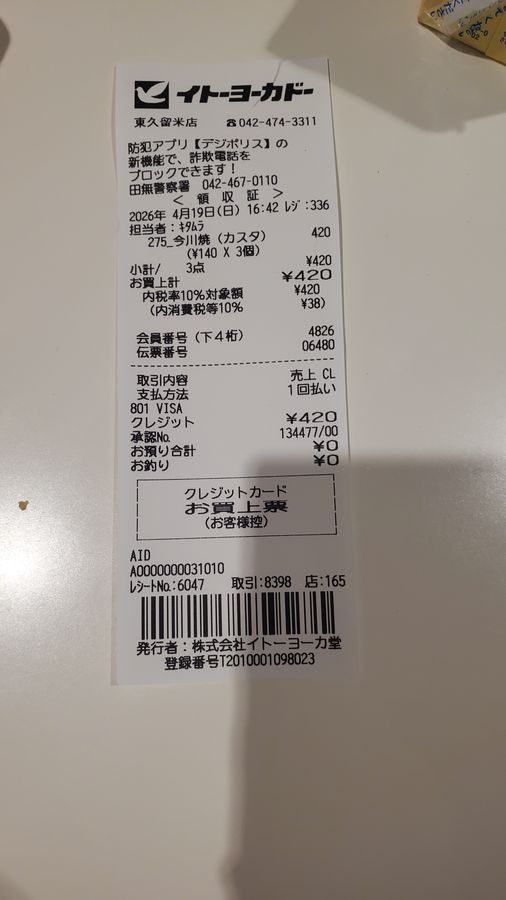
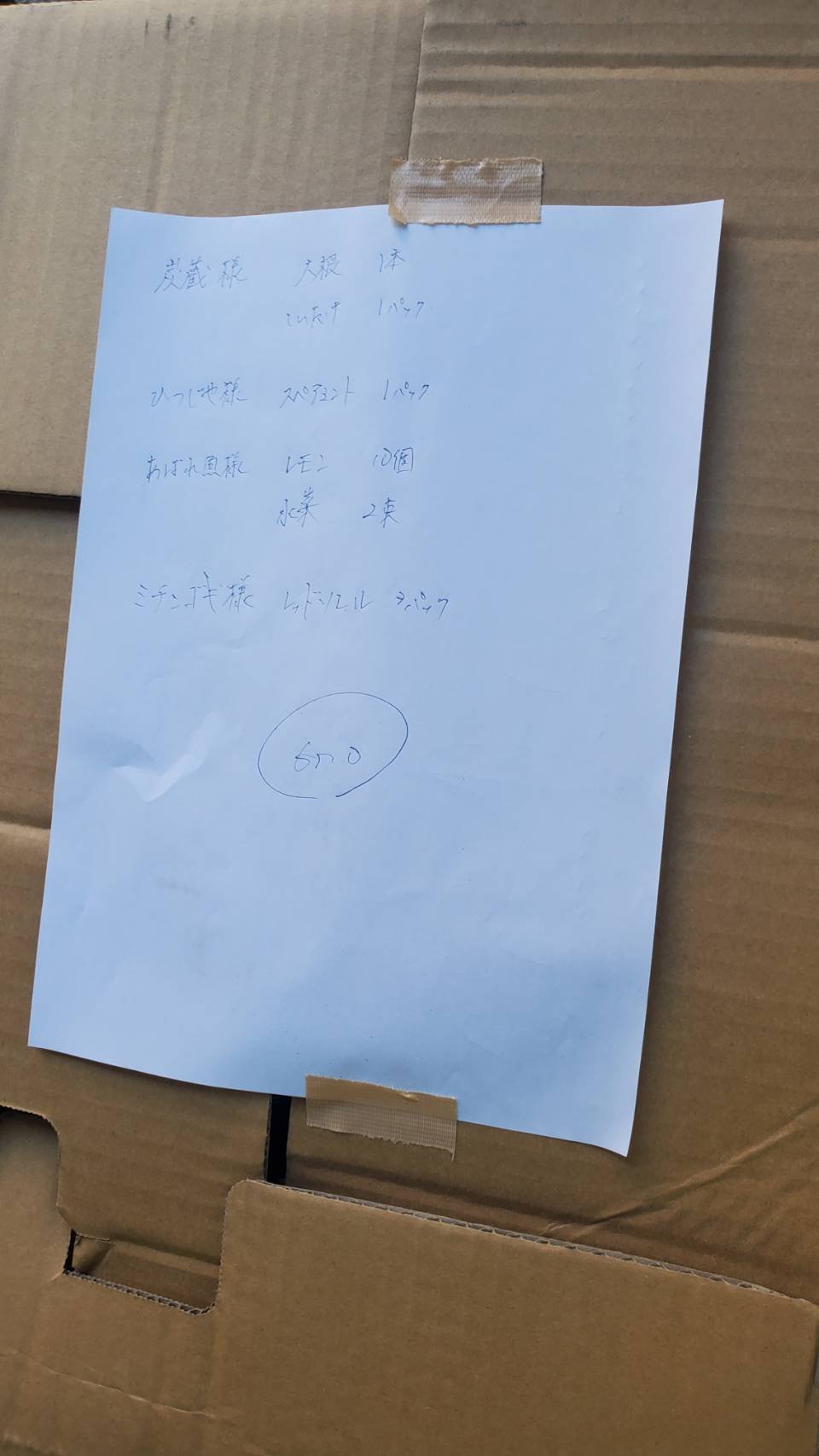
What if you could skip the manual entry? With space-ocr, you define the columns you need just once—say, Vendor, Invoice Date, and Total Amount. If you are not sure which columns to define, you can have them detected from a sample photo and then edit the suggestions; the API exposes the same option as autoFields. Then, you can upload images of your documents, regardless of their layout. An invoice from one supplier and a receipt from another both resolve to the same, clean row structure in your sheet. It works directly with standard image formats like JPEG, PNG, GIF, and WebP that you get from a scanner or a phone camera.
This works even with the quirks of phone photos. If you take a picture holding your phone vertically, the image file often contains orientation data (EXIF) telling software to rotate it for viewing. space-ocr reads this data on upload, automatically correcting the image so that the coordinates of the extracted text match the image as you see it on screen. Large photos may also be reduced in size on the server before they are read, so the coordinates describe the page as it was actually read, not the pixel size of the file you sent. There is no need for manual language selection, either. The system automatically detects and processes text from multiple languages, like Japanese, English, and Korean, all within the same document.
space-ocr does not just read a value, it keeps track of where the value came from. A model proposes the text, and the system then matches that proposal character by character against the symbols the OCR pass actually found on the page. Each value comes back with its position on the photo: box, an upright rectangle, and quad, four points that follow the tilt of the shot. All coordinates are normalized to a 0–1000 grid and measured against the page as it was read (data.image), so they can be drawn straight back onto the image. When the two readings do not line up, or a value you asked for is not on the page, that value goes onto a review list (data.review.flagged) instead of passing quietly. Both readings can still agree on the same misreading, so the list narrows down what to check rather than replacing the check.
The pricing is straightforward: $0.05 per image, tax included. Every account gets 100 free scans each month to start. And if for some technical reason a scan fails to produce a result, you are not charged for it. Plan details are on the pricing page. It's a simple, pay-as-you-go utility for getting data out of your documents and into a more useful format.
- Create a SheetDefine the columns you need, like 'Vendor', 'Date', and 'Total'. This is your schema. If you are not sure what to define, let the app detect the columns from a sample photo and edit them.
- Take a PhotoUse your phone to snap a picture of a receipt, invoice, or any document. Don't worry about getting it perfectly flat.
- Upload the ImageDrag and drop the JPEG or PNG file into your Sheet in the space-ocr web app.
- Review the DataA new row appears with the extracted data, automatically populated in the correct columns. Each value is linked to its location on the photo for verification.
Do I need to straighten or crop my photos?
What file types can I upload?
Does it work with different languages?
How does it handle different invoice or receipt layouts?
How much does it cost?
Is the extracted data reliable?
Stop Typing. Start Uploading.
Get 100 free scans every month. No credit card required to sign up.